Canada eTA Processing Time for UK Citizens: What to Expect Before You Fly
British passport holders flying to Canada need a valid Electronic Travel Authorization before they board their flight, and…
Read More
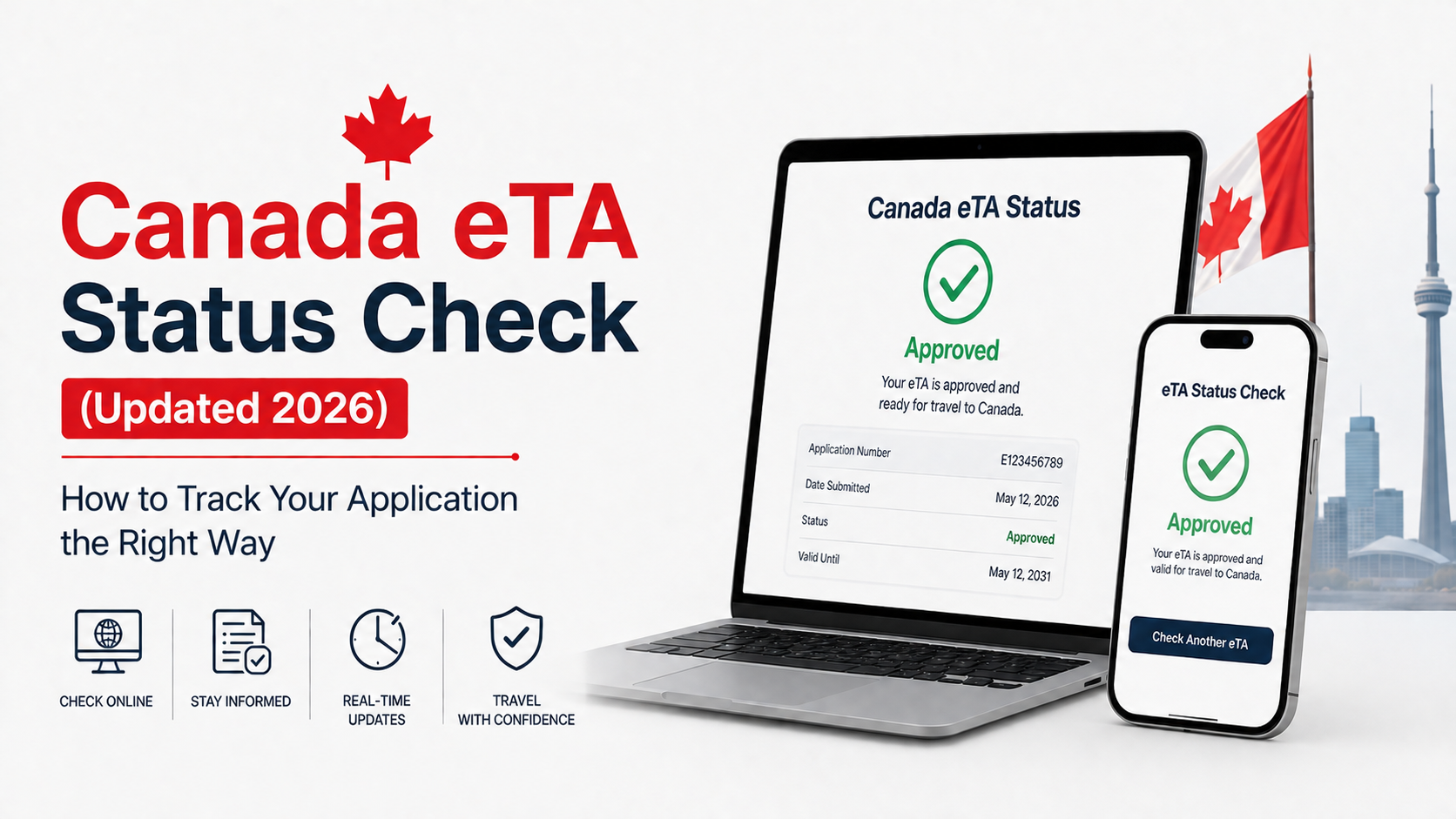
Two days have passed since you applied, your flight is getting closer, and your inbox still hasn’t shown you a confirmation email. Checking your Canada eTA status shouldn’t feel like guesswork, yet plenty of travellers land on the wrong page, use the wrong reference number, or panic over a status that’s actually completely normal.
This is a full walkthrough of how the Canada eTA status check works in 2026, what the different results actually mean, and what to do if things seem slower than expected.
A status check isn’t only for travellers who suspect something’s gone wrong. Common reasons people look up their eTA status include:
Whatever the reason, the process itself is the same either way, and it only takes a couple of minutes once you have the right details on hand.
Two different reference numbers come into play depending on where you are in the process, and mixing them up is one of the most common reasons people get stuck.
If your application is still pending, you’ll need the application number from your confirmation email. This number begins with the letter V and appears near the top of the email IRCC sends immediately after you submit the form and pay the fee.
If your eTA has already been approved, you’ll instead use the eTA number from your approval email. This one begins with the letter J, followed by nine digits.
Alongside whichever reference number applies to you, have your passport ready. You’ll need to enter the exact passport number, country of issue, issue date, and expiry date, matching what’s printed in your passport precisely.
If everything lines up correctly, the tool will show your current status immediately. A mismatch in even one digit of your passport number is enough to return an error, so it’s worth double checking before assuming something’s wrong with the application itself.
Seeing an unfamiliar status can be worrying, but most results are completely routine.
Approved. Your eTA is active and linked to your passport. No further action is needed, though it’s still worth confirming the passport number shown matches your travel document exactly.
In progress or under review. Your application hasn’t been finalised yet. This is common and doesn’t necessarily mean there’s a problem, particularly within the first 72 hours of applying.
Additional documents requested. IRCC needs more information before making a decision. Check your email, including your spam folder, for instructions on what to submit and respond as quickly as you reasonably can, since your file typically won’t move forward until they receive it.
Refused. Your application wasn’t approved. There’s no formal appeal process for a refused eTA, though a new application can be submitted if your circumstances have changed or additional information can be provided.
Losing track of the confirmation email happens more often than people expect, especially when it’s filtered into a spam or promotions folder. Before assuming the number is gone for good:
Travellers who received their eTA automatically as part of a work or study permit approval have a slightly different path. In these cases, the eTA number usually appears on the first page of the port of entry letter issued alongside the permit. It can also be viewed by signing into an IRCC secure account with a GCKey, where the eTA details show up under the application’s document status section.
This route doesn’t apply to most standalone eTA applicants, but it’s worth knowing about if your eTA was issued alongside another type of application rather than on its own.
Most Canada eTA decisions land within minutes, and cases that need a closer look are usually resolved with an email update within 72 hours. If more than a few days have passed with no change and no request for documents, the next step is submitting an enquiry through the official IRCC enquiry form rather than repeatedly resubmitting a new application, which can create confusion across multiple files linked to the same passport.
It’s also worth simply trying the status check again after waiting a day or two, since updates aren’t always instant even once a decision has technically been made internally.
Only the official Government of Canada eTA status tool reflects your real application data. Some third-party websites present their own status check forms that look official but don’t actually connect to IRCC’s system, and a handful exist purely to collect personal information or upsell unnecessary services. If a service you used to apply offers its own status tracking, that’s fine for a general update, but the government’s own tool is always the one that reflects your true, current status.
How long does a Canada eTA status check take? The lookup itself takes seconds once you have the correct reference number and passport details ready.
Can I check my Canada eTA status without an application number? Not directly. Either the V-prefixed application number or the J-prefixed eTA number is required, so locating one of these in your email history is a necessary first step.
What does “in progress” mean for a Canada eTA? It means your application is still being reviewed and hasn’t reached a final decision yet. This is normal, especially in the first 72 hours after applying.
Why does my Canada eTA status say approved but I haven’t received an email? Check your spam and junk folders first, since automated IRCC emails are sometimes filtered incorrectly. The status tool itself is still the most reliable source of truth if the email genuinely never arrived.
Checking your status is only half the picture, since most delays actually trace back to small errors made during the original application. At EasyCanadaETA.com, our team reviews every Canada eTA application before it’s submitted to catch mistakes early, and we keep you updated on your status throughout the process so you’re never left guessing. If you’re applying for the first time, renewing after a passport change, or just want a service that actually tells you what’s going on, start your application with us and let us handle the tracking for you.